
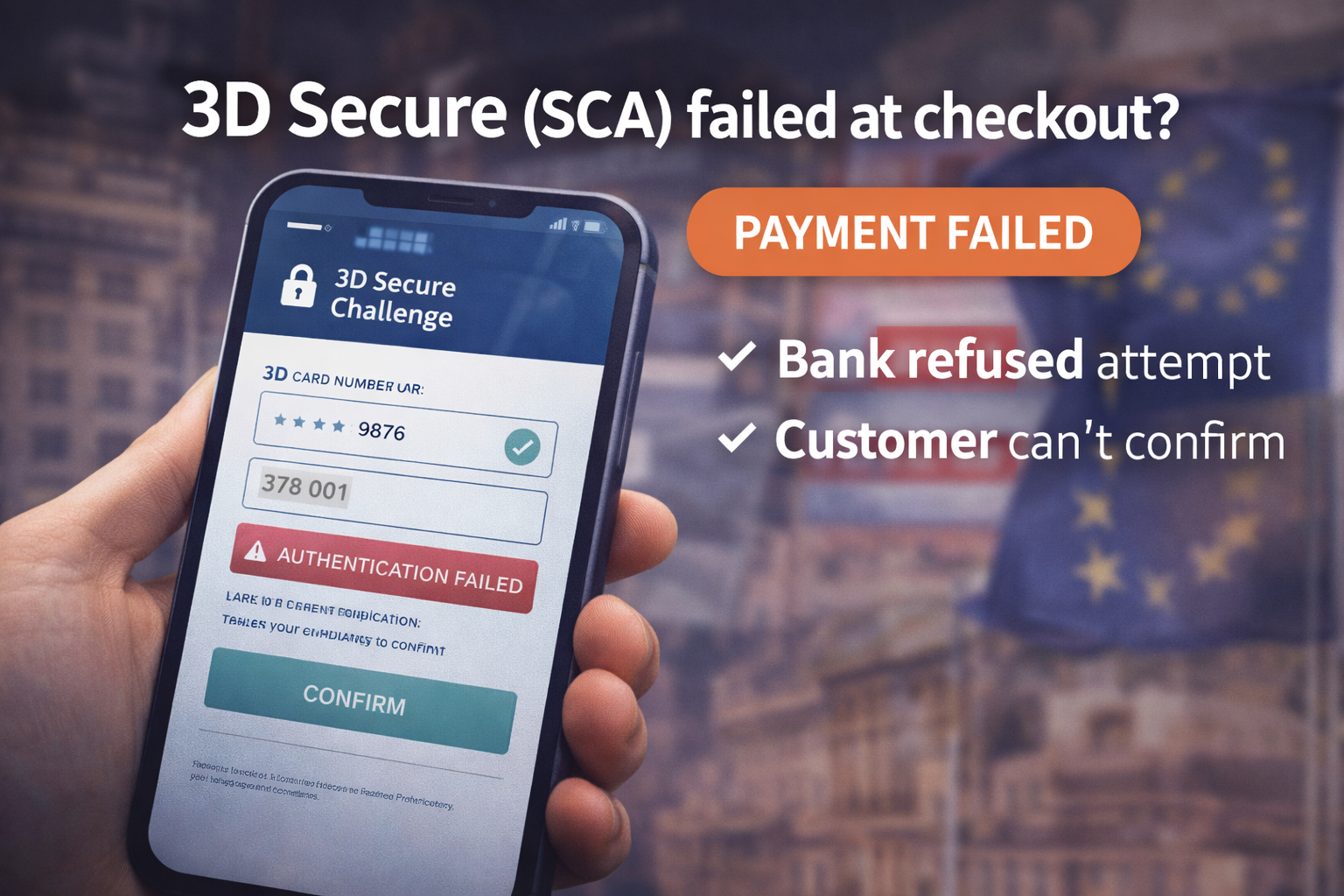
3D Secure Failed? Fix SCA Payment Errors & Increase Approval
3D Secure failures are one of the biggest hidden conversion killers in Europe and international sales. Customers think they paid — but the checkout fails. Here’s what “3DS failed” really means, the common causes, and the exact fixes that improve approval rates.
What “3D Secure failed” actually means
When a checkout shows 3D Secure failed, SCA failed, or “authentication failed,” the customer’s bank (issuer) did not approve the card authentication step. The card might be valid and funded — but the verification step didn’t complete correctly, so the payment is rejected.
In plain English: The bank wanted a quick identity check (3DS), but something in the flow broke: a redirect didn’t load, a device blocked the challenge, or the bank refused the attempt.
Why 3DS/SCA failures happen (the 7 most common causes)
1) Redirects blocked (privacy blockers / in-app browsers)
Many failures happen inside Instagram/TikTok in-app browsers or with aggressive privacy extensions. The 3DS challenge page opens in a new window or iframe — and gets blocked.
2) Customer device mismatch (geo / VPN / unstable mobile connection)
Issuer risk models don’t like sudden location changes. If billing country, IP location, and device signals don’t match, 3DS can fail even if the card is fine.
3) Challenge never completes (user confusion)
Customers think the payment finished after they leave the challenge screen. But the challenge must complete and return to the merchant page. If they close the window early, the payment fails.
4) Incorrect checkout configuration
- Wrong return URLs
- Broken success/cancel handlers
- Blocked callback/webhook endpoints
- Timeouts between checkout and provider
5) SCA required but not supported correctly
In many European transactions SCA is mandatory. If the payment flow cannot reliably trigger 3DS when required, issuers decline.
6) Too many retries
Multiple attempts in a short time can trigger issuer fraud systems. After 2–3 retries the bank may automatically deny further authentication attempts.
7) High-risk merchant category triggers stricter issuer checks
High-risk and digital merchants often face stricter authentication. That’s why a payment setup built for “low-risk retail” can suddenly collapse when you scale internationally.
Fast diagnostic: confirm it’s really a 3DS/SCA issue
Use this quick checklist to avoid guessing:
- Do failures happen mostly in EU/UK? (SCA zones)
- Are failures higher on mobile? (in-app browsers, blocked popups)
- Do customers report “I confirmed the code” but still failed? (return URL flow broken)
- Does the order stay “pending” even after attempts? (webhook/callback issue)
Rule: If the customer completed a bank challenge but the order never updates, your callback/webhook handling is likely broken (or blocked).
The exact fixes that reduce 3DS failures
Fix 1: Add a “3DS-friendly” customer message at checkout
A simple message reduces drop-offs dramatically:
Copy/paste:
“You may be asked to confirm this payment with your bank (3D Secure). Please complete the verification and return to this page. If the challenge doesn’t open, try a normal browser (Chrome/Safari) or disable in-app browsing.”
Fix 2: Make redirects reliable
- Ensure success and cancel URLs are correct and reachable
- Avoid caching/minification rules on checkout endpoints
- Don’t block provider redirects with CSP/WAF rules
Fix 3: Reduce retry loops
Stop customers from hammering the button 5 times. Show a clear retry flow:
- Allow one retry
- Then offer an alternative method
- Or provide support contact instantly
Fix 4: Offer a fallback method for “3DS-heavy” customers
Issuer rules are outside your control. If you sell internationally, you need a stable fallback for customers who constantly fail 3DS on cards.
If you run WooCommerce and see recurring SCA failures, use a setup designed for international acceptance: see the recommended payment setup →
WooCommerce-specific traps that cause 3DS failures
- Checkout pages cached by page cache/CDN
- Blocked callback endpoints by WAF rules
- Mixed content (http resources on https checkout)
- Order status never updates after returning from provider
Pro tip: If customers return from the bank challenge but your order is still “pending,” your webhook/callback is the first thing to fix.
Recommended next step (stable approvals + fewer failures)
If 3DS failures are frequent, it’s usually a sign your payment flow isn’t built for your risk level or international mix. Stable onboarding and fewer shutdown surprises matter more than a “cheap” provider that collapses under issuer rules.
Start now (instant approval)
Built for digital & high-risk merchants — stable payouts, international acceptance, and predictable settlement.
Merchant signup →FAQ
Is 3D Secure mandatory?
In many European transactions, Strong Customer Authentication (SCA) is required. If the issuer requests it, the flow must support it.
Why does 3DS fail more on mobile?
In-app browsers, popup blockers, unstable connections, and blocked redirects make the challenge step unreliable on mobile.
What’s the fastest way to reduce 3DS failures?
Improve redirect reliability, stop retry loops, add a clear customer message, and offer a fallback payment method for customers with strict issuer rules.